Answer these key questions to identify weaknesses before they become a problem
Cyber security does not have to be complicated or full of jargon. In many cases, the biggest risks to a business come from a handful of basic areas being overlooked. This quick cyber security check-up is designed to help you mentally tick off the essentials and spot potential gaps.
Be honest as you read through each point. If you find yourself answering no to any of them, it could be a sign that your business is more exposed than you think.
1. Do all devices receive regular updates?
Every computer, laptop and server in your business should be kept up to date. Updates are not just about new features. They often fix security weaknesses that criminals actively look for.
Ask yourself:
- Are Windows and macOS updates installed promptly?
- Are third-party apps like browsers, PDF readers and accounting software kept current?
- Are updates checked automatically, not left to chance?
If updates are delayed or ignored, you are relying on known vulnerabilities staying undiscovered. That is a risky bet.
2. Are you using strong passwords everywhere?
Passwords are still one of the most common ways attackers gain access to systems. Weak or reused passwords make their job much easier.
Consider the following:
- Does every user have their own unique login?
- Are passwords long and hard to guess, not names or common phrases?
- Are passwords reused across email, systems and online services?
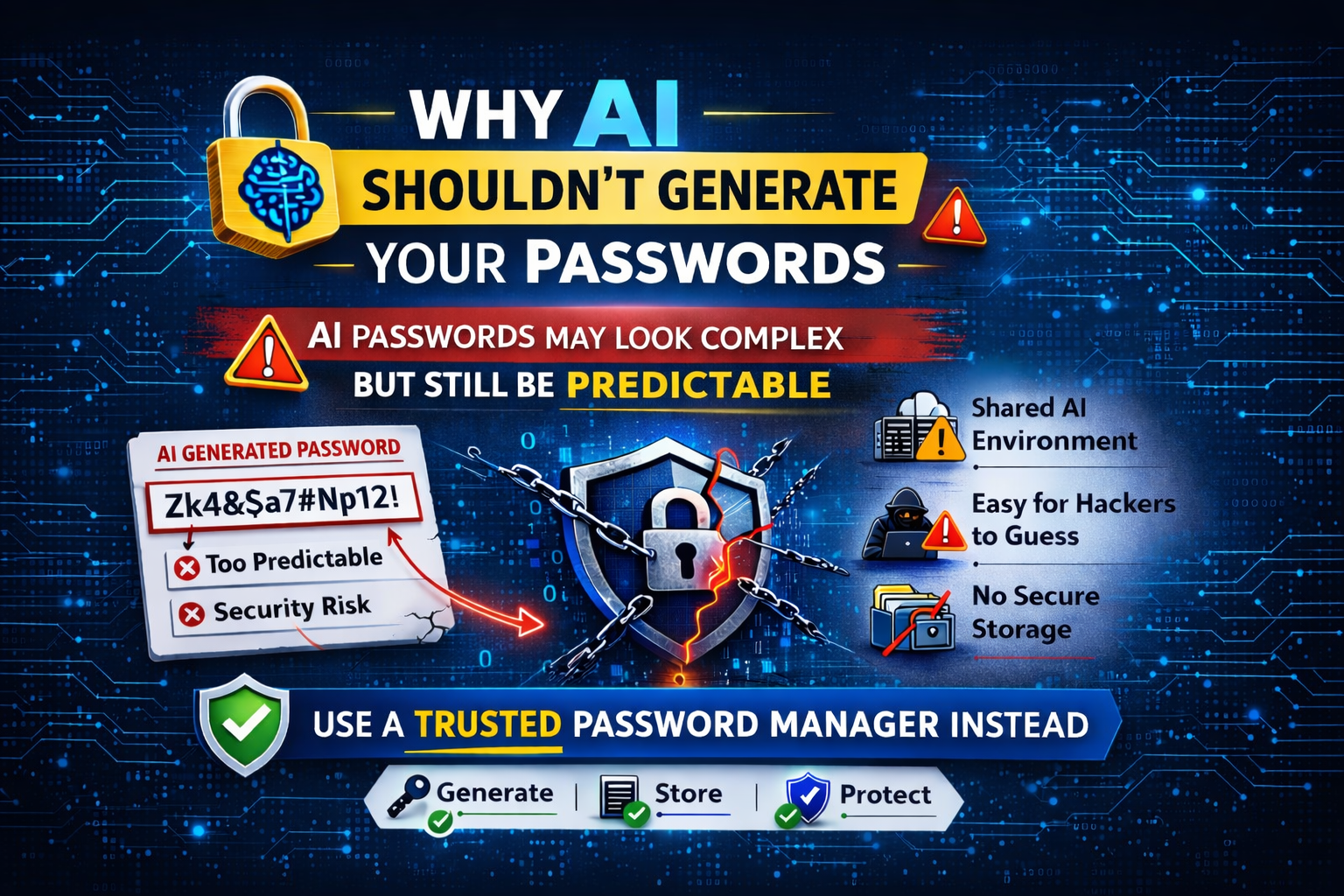
If staff struggle to remember passwords, that is usually a sign they are too simple or reused. A password manager can help solve this problem safely.
3. Is multi-factor authentication switched on?
Multi-factor authentication (MFA) adds an extra step when signing in, such as a code on a phone or an app approval. Even if a password is stolen, MFA can stop an attacker in their tracks.
You should be asking:
- Is MFA enabled on email accounts?
- Is it turned on for Microsoft 365, cloud services and remote access?
- Are admin accounts protected with extra care?
If MFA is not enabled, a single leaked password could be all it takes to compromise your business.
4. Do you have proper antivirus and threat protection in place?
Basic antivirus alone is no longer enough. Modern threats include ransomware, fileless attacks and malicious scripts that try to stay hidden.
Think about:
- Is there active antivirus and malware protection on all devices?
- Is it monitored to confirm it is running and up to date?
- Can it detect suspicious behaviour, not just known viruses?
If you are not sure what protection is installed or whether it is working, that uncertainty itself is a warning sign.
5. Are your backups reliable and regularly tested?
Backups are your safety net. They are often the difference between a minor disruption and a major business crisis.
Ask yourself honestly:
- Are backups taken automatically?
- Are they stored securely and separate from your main systems?
- Have you tested restoring data recently?
A backup that has never been tested is not a backup you can trust.
6. Can staff recognise suspicious emails?
Phishing emails remain one of the most common attack methods. They rely on human error rather than technical flaws.
Consider:
- Do staff know how to spot suspicious links and attachments?
- Do they feel comfortable reporting something that looks wrong?
- Is there any basic cyber security awareness training in place?
If one convincing email could trick a member of staff, it could also open the door to attackers.
7. Is your firewall properly configured?
A firewall acts as a gatekeeper between your systems and the outside world. Without one, or with one that is poorly configured, you are leaving your network exposed.
Ask yourself:
- Is there a business-grade firewall in place, not just a basic router?
- Are unnecessary ports and services blocked?
- Is the firewall actively monitored and kept up to date?
A firewall that is installed but never reviewed can give a false sense of security.
8. Is your Wi-Fi network secure?
An insecure Wi-Fi network can give attackers a direct route into your systems, especially if passwords are weak or shared too widely.
Consider:
- Is your Wi-Fi protected with strong encryption and a robust password?
- Is guest Wi-Fi separated from your main business network?
- Are old or unknown devices removed from the network?
If your Wi-Fi password has not changed in years, it may be time for a review.
9. Do you control who has access to what?
Not every user needs access to everything. Limiting access reduces the damage that can be done if an account is compromised.
Think about:
- Are user accounts removed promptly when staff leave?
- Do people only have access to the systems they need?
- Are admin rights tightly controlled?
Excess access is a quiet risk that often goes unnoticed until it is exploited.
10. Do you know what you would do if something went wrong?
When a cyber incident happens, panic makes everything worse. Having a plan, even a simple one, can make a huge difference.
Ask yourself:
- Do you know who to contact if systems are compromised?
- Do staff know what to do if they suspect an attack?
- Have you thought about how you would keep operating during an outage?
If the answer is no, now is the best time to think it through, not during an incident.
A quick reality check
If you answered yes to every point above, you are already in a stronger position than many businesses. If you answered no to even one, it does not mean disaster is imminent, but it does mean there is a gap worth addressing.
Cyber security is not about being perfect. It is about reducing risk, layer by layer, and staying one step ahead of common threats.
If you would like help reviewing your setup or turning this checklist into action, getting expert support can make the process far simpler and far more effective.
A quick check today could save a lot of stress tomorrow.
Ready for a proper cyber security check-up?
If this checklist raised any questions or uncovered gaps, now is the ideal time to take action. At CED Technology, we help businesses put the right cyber security protections in place, without unnecessary complexity or disruption.
Whether you want reassurance that things are set up correctly or support fixing specific issues, we can help.
Share this post
RECENT POSTS