What Should You Expect from Your IT Support Provider?
Having reliable IT support is crucial for maintaining productivity and ensuring smooth operations. However, not all IT support providers offer the same level of service. It’s essential to know what you should expect from your IT support provider to ensure they meet your business needs. Here are five key expectations every business should have:
1. Prompt Issue Resolution
Time is money, especially when it comes to IT issues that can bring your operations to a halt. Your IT support provider should offer quick response and resolution times. They should be able to troubleshoot and fix problems efficiently to minimize downtime and keep your business running smoothly.
2. Proactive Maintenance
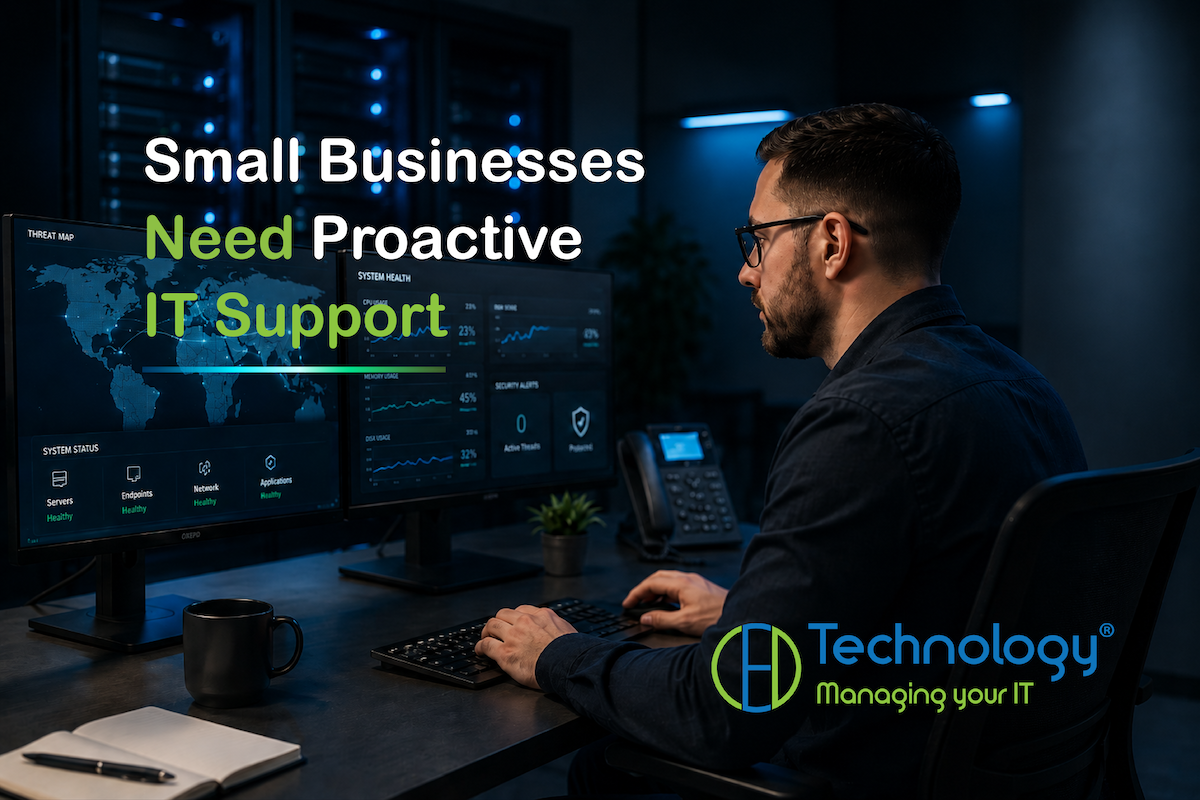
A good IT support provider doesn’t just fix problems; they prevent them. Regular system monitoring and maintenance are essential to identify and address potential issues before they become major problems. This proactive approach helps ensure that your systems are always running optimally, reducing the risk of unexpected disruptions.
3. Clear Communication
Technical jargon can be confusing and frustrating, especially if you’re not an IT expert. Your IT support provider should communicate clearly and effectively, explaining issues, solutions, and recommendations in a way that you can understand. Transparent communication helps build trust and ensures that you’re always informed about the status of your IT infrastructure.
4. Scalable Solutions
As your business grows, your IT needs will evolve. Your IT support provider should offer scalable solutions that can accommodate increased demand and changing technology requirements. Whether you’re expanding your team, launching new products, or entering new markets, your IT support should be flexible enough to grow with you.
5. Security Focus
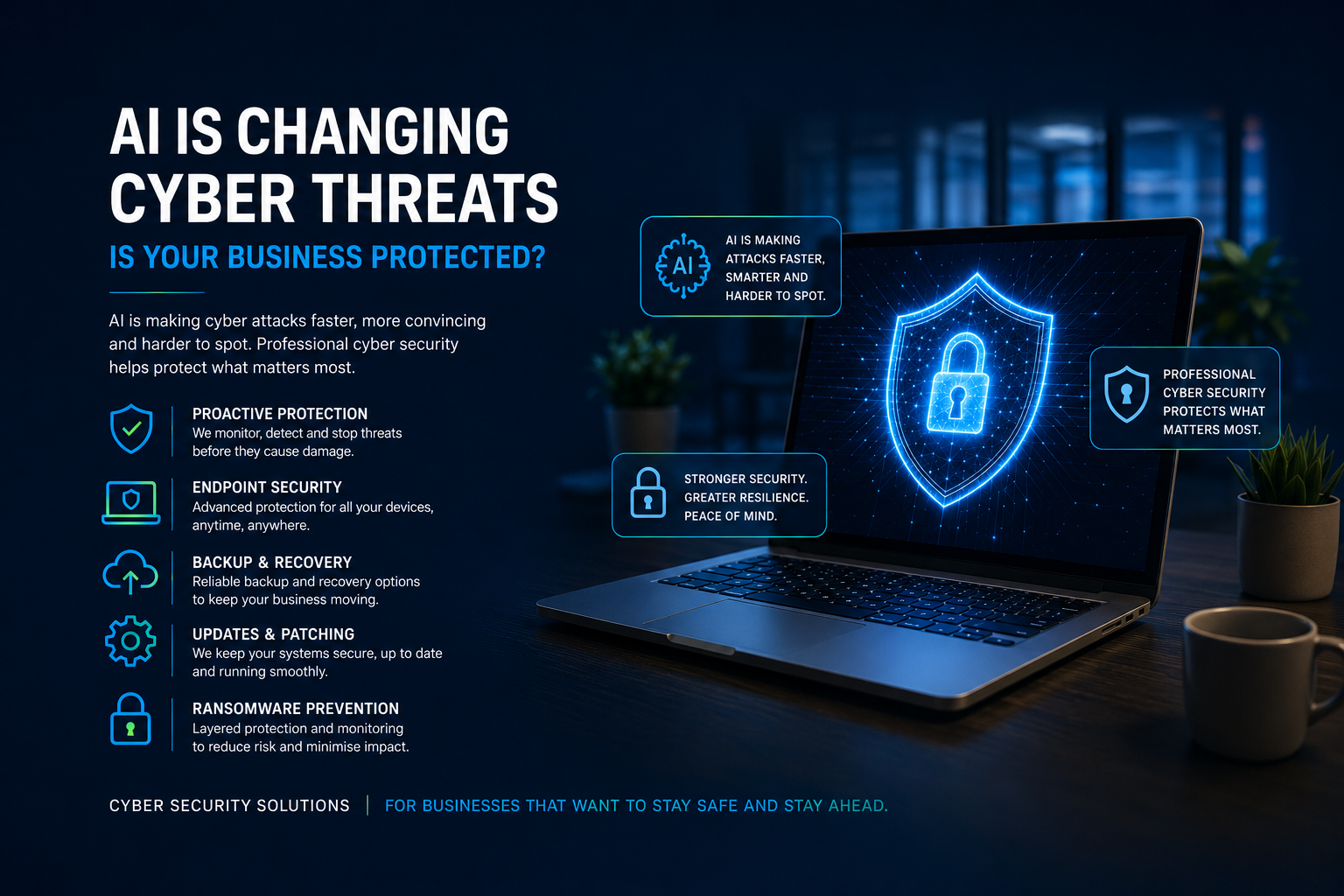
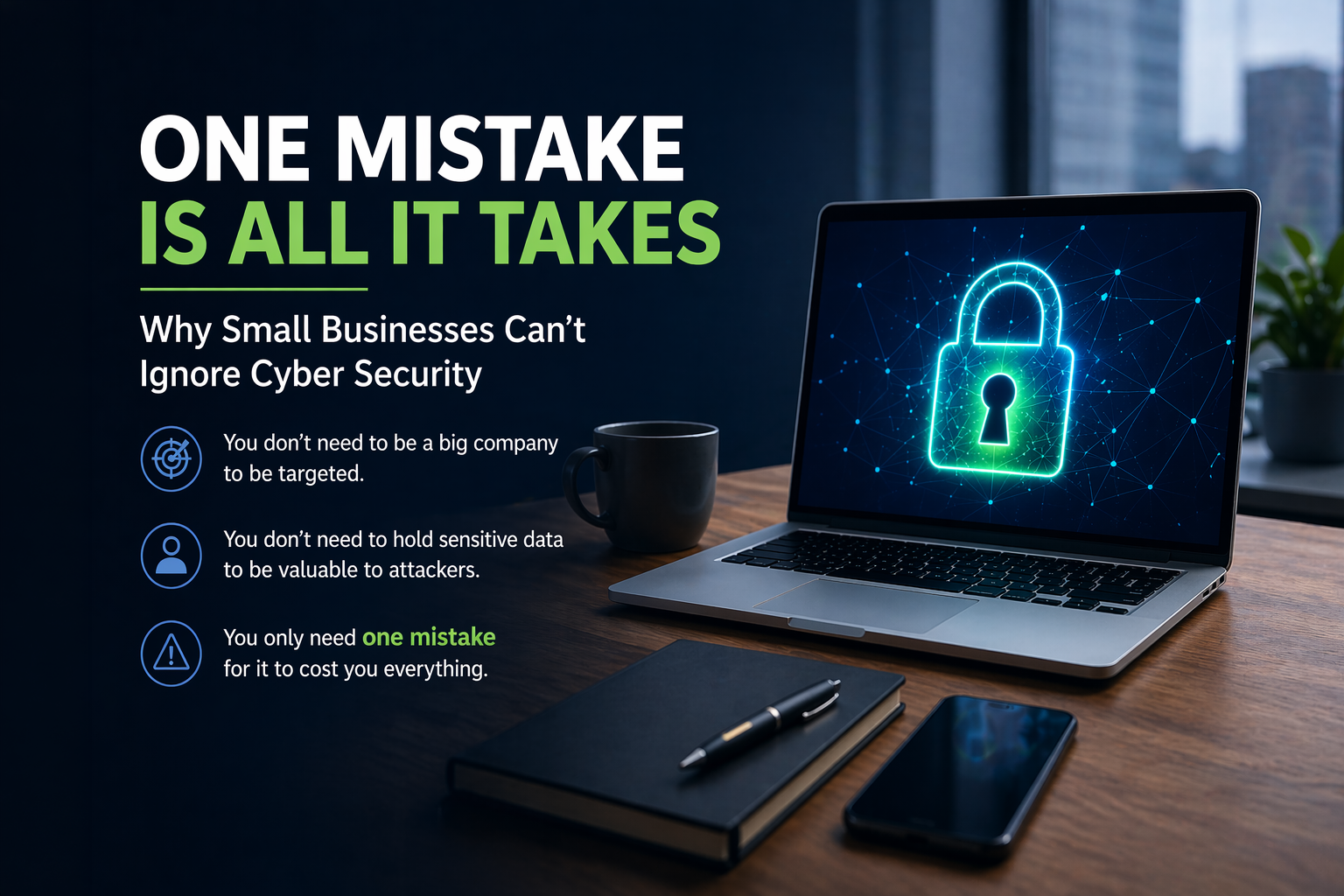
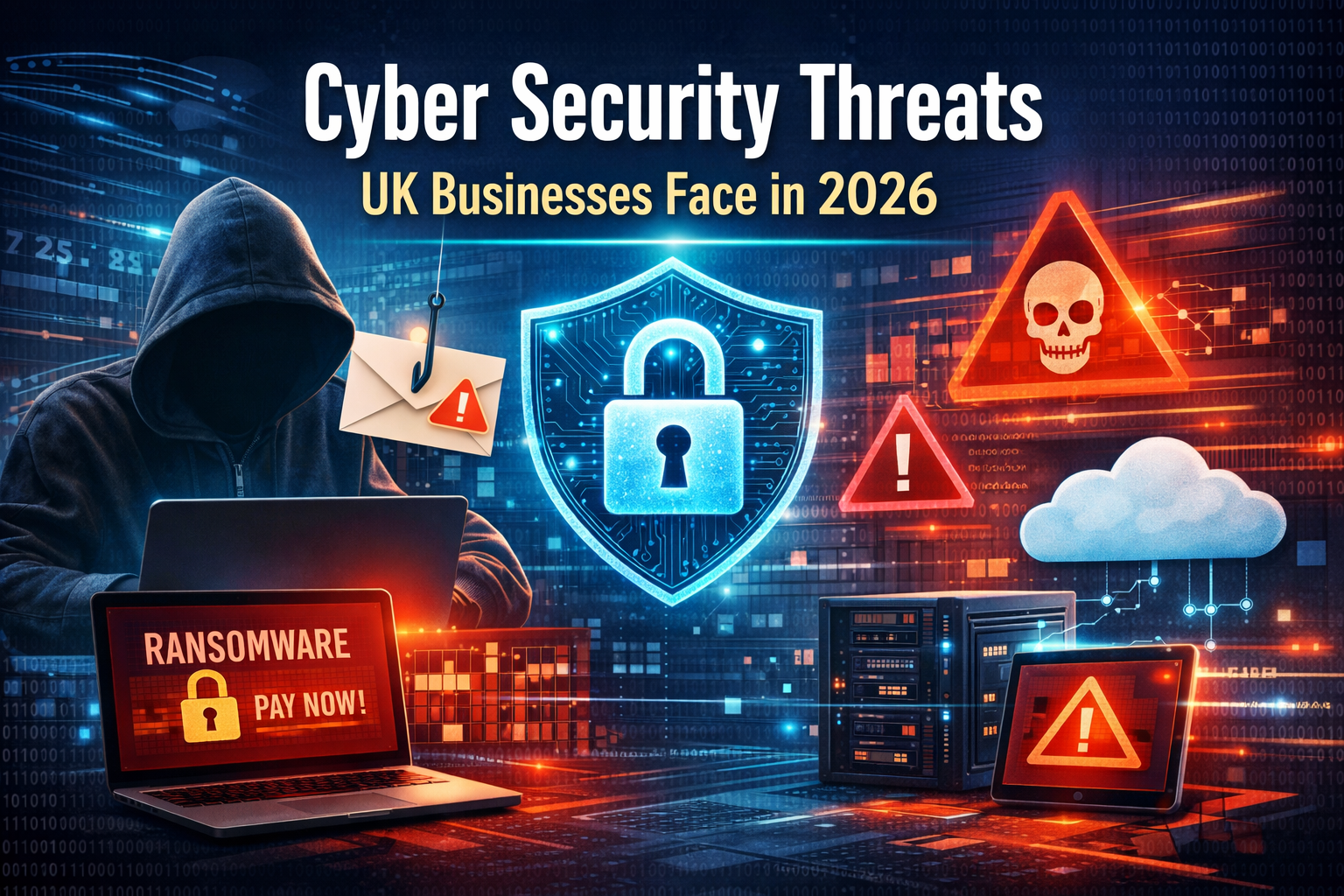
Cybersecurity threats are constantly evolving, and protecting your business data is paramount. Your IT support provider should implement robust cybersecurity measures, including firewalls, antivirus software, and regular security assessments. They should also stay updated on the latest threats and best practices to ensure your data remains secure and your business complies with relevant regulations.
Why Choose CED Technology?
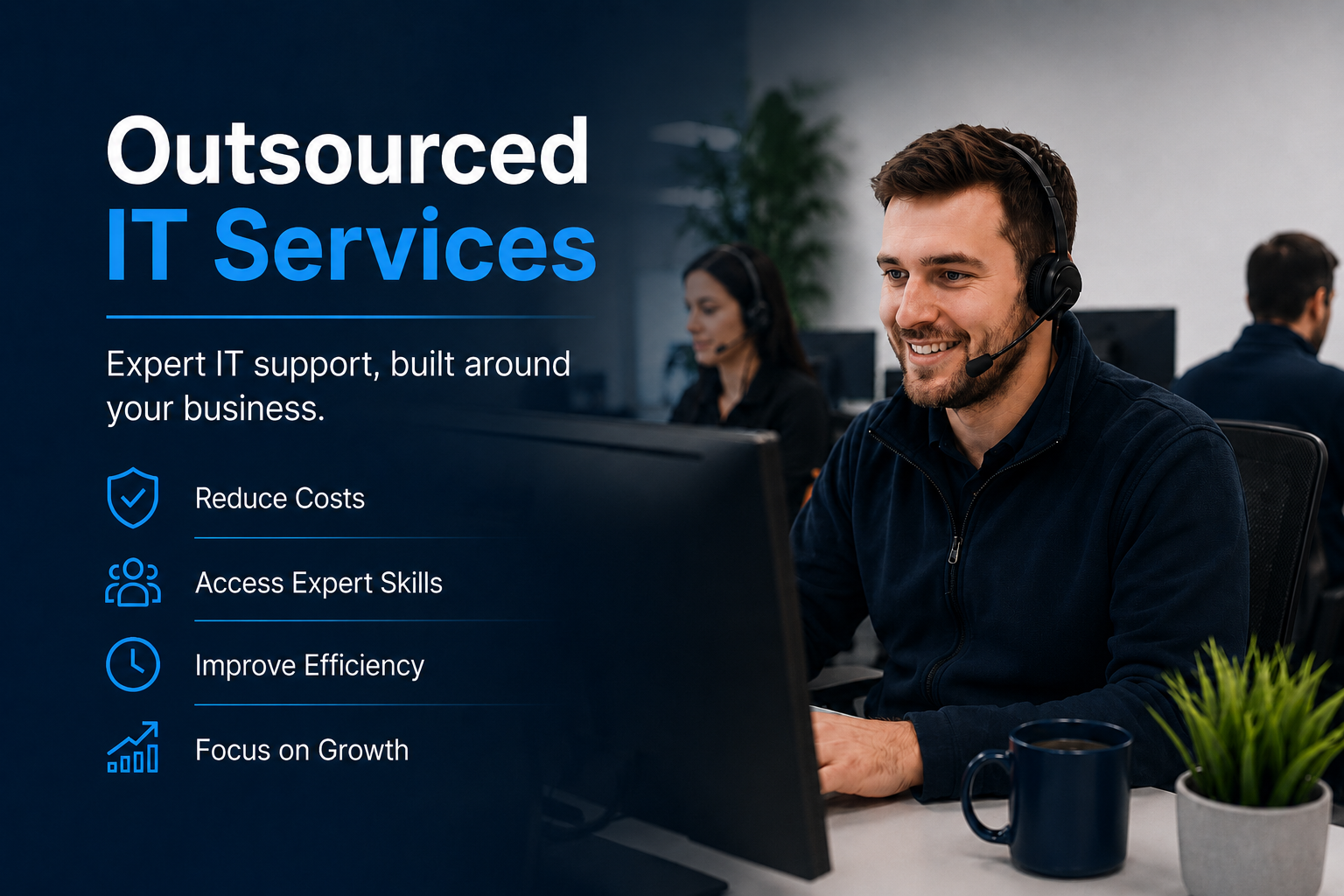
If your current IT support provider isn’t meeting these expectations, it might be time to consider a change. CED Technology specialises in IT support for small to medium-sized businesses, offering comprehensive services that cover all the bases mentioned above. With CED Technology, you can expect prompt issue resolution, proactive maintenance, clear communication, scalable solutions, and a strong focus on security.
Conclusion
Your IT support provider plays a crucial role in the success of your business. By knowing what to expect and holding your provider to these standards, you can ensure that your IT infrastructure supports your business goals effectively. Don’t settle for less—make sure your IT support provider is truly supporting you.
For more information on how CED Technology can enhance your IT support experience, contact us today. Let’s work together to keep your business running smoothly and securely.
Share this post
RECENT POSTS