A Practical Cyber Security Guide for Small Businesses
Introduction
Cyber security can feel overwhelming for small businesses. There are endless warnings, technical terms, software products, acronyms and scare stories. The problem is that many business owners are left not knowing what they actually need, what is worth paying for, and what is simply unnecessary noise.
In 2026, small business cyber security does not need to be complicated, but it does need to be taken seriously.
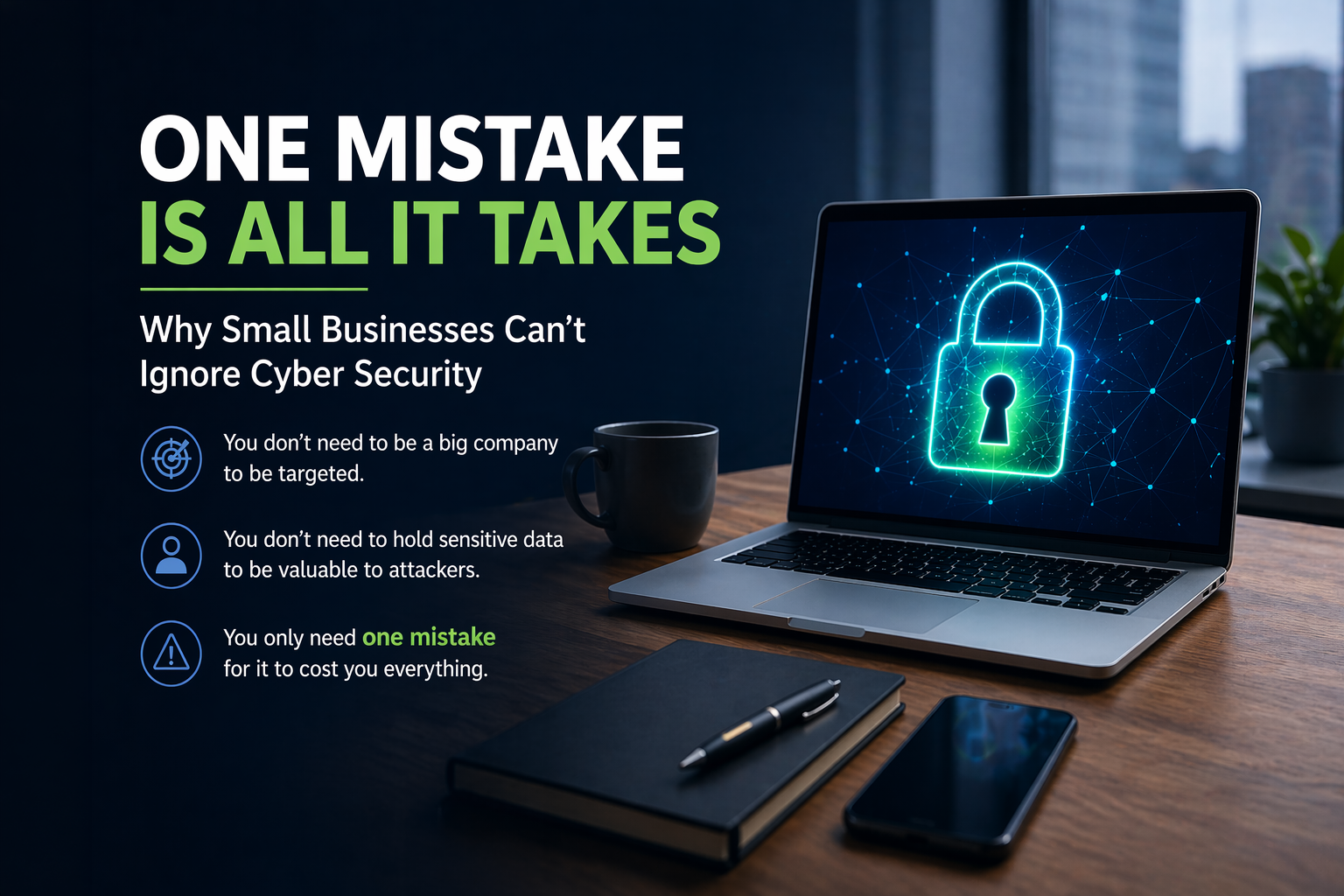
Cyber criminals do not only target large companies. Small businesses are often seen as easier targets because they may have fewer protections in place, limited internal IT knowledge, and busy staff who simply want to get on with their work. A single compromised email account, infected laptop, weak password or missed software update can quickly create disruption, data loss, financial loss or reputational damage.
The good news is that effective cyber security for small businesses is usually built around a small number of sensible protections. You do not need enterprise-level complexity, but you do need the right foundations.
Here is what your small business actually needs in 2026.
1. Strong protection against phishing risks
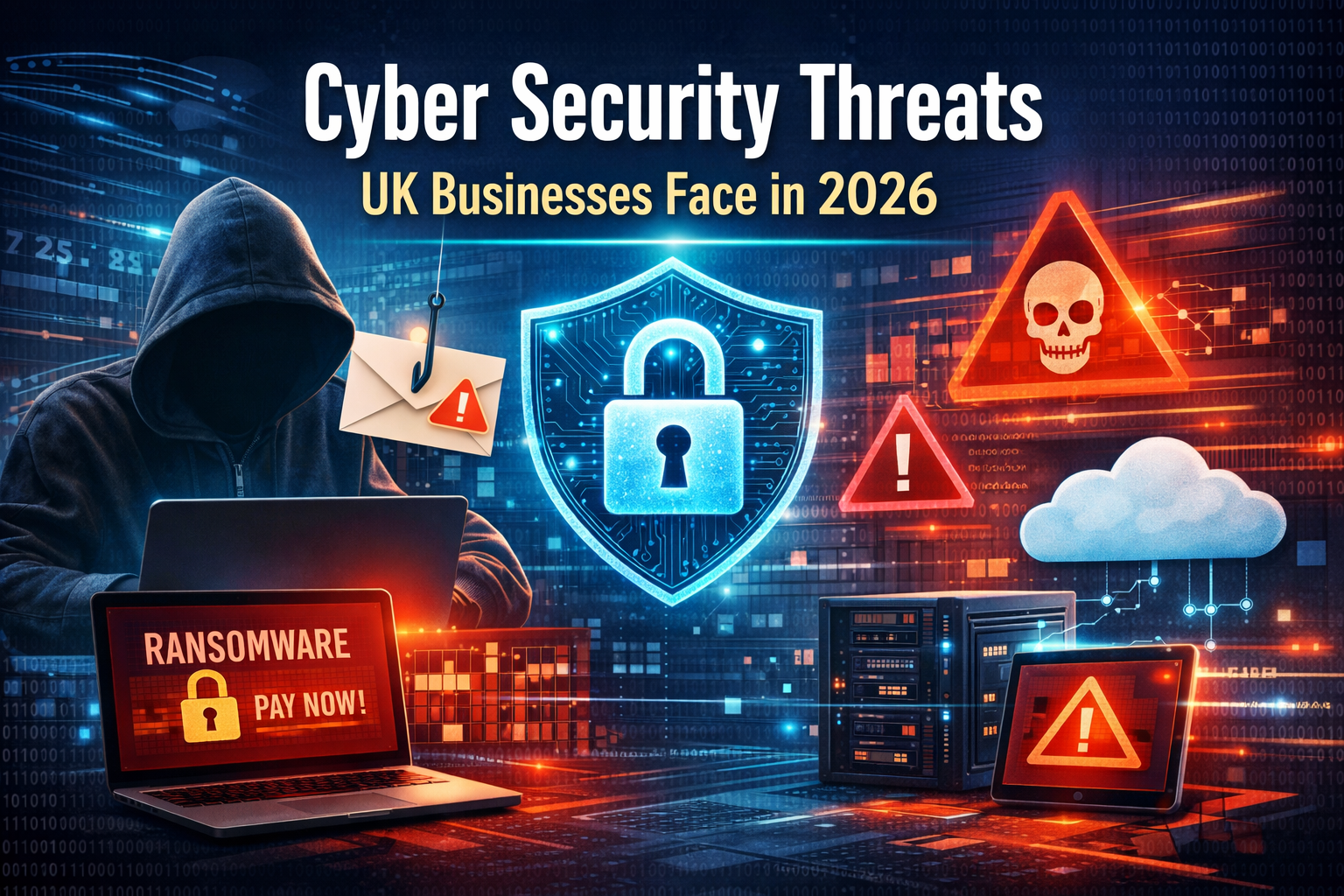
Phishing remains one of the biggest cyber threats facing small businesses. These attacks usually arrive by email, but they can also come through text messages, social media messages, fake websites, QR codes and online forms.
The aim is simple: to trick someone into clicking a link, opening a file, entering a password, approving a login request, or making a payment.
Modern phishing emails are much harder to spot than they used to be. Many no longer contain obvious spelling mistakes or strange wording. With the help of AI tools, scam emails can now look more natural, more personal and more convincing.
Common examples include:
- Fake Microsoft 365 sign-in pages
- Fake invoice or payment requests
- Messages pretending to be from suppliers
- Delivery and parcel scams
- QR code phishing emails
- Fake password expiry warnings
- Messages pretending to come from a manager or colleague
Small businesses need a combination of well-configured provider security settings, account protection, staff awareness and device-level cyber security.
For example, Microsoft 365 or Google Workspace security settings should be reviewed to make sure they are configured correctly. This can help reduce avoidable risk, but it does not remove the need for user awareness and device protection.
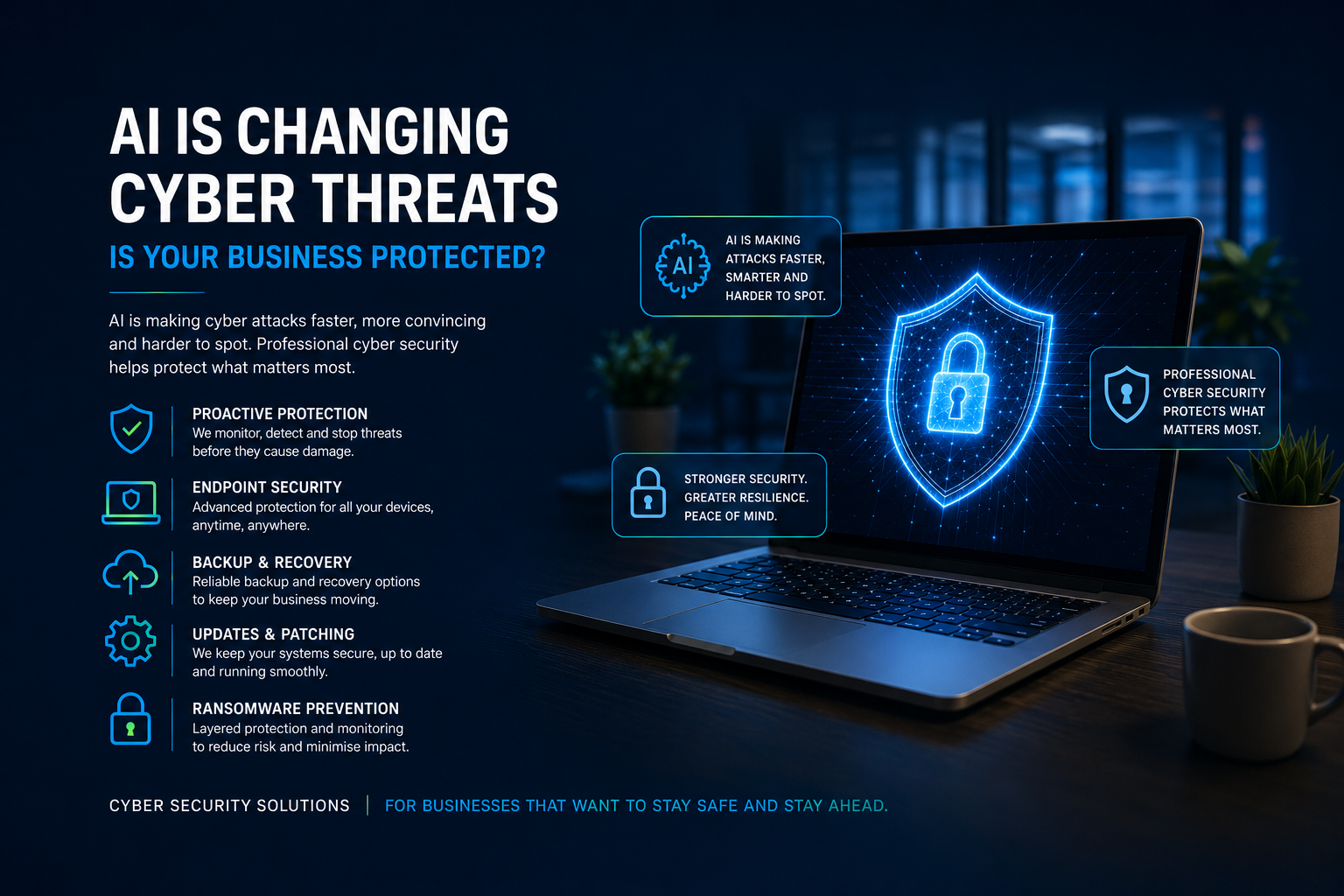
Cyber security products also play an important role after something has been clicked. If a user opens a harmful link or downloads a malicious file, endpoint protection, ransomware prevention, monitoring and patching can help reduce the chance of that click turning into a serious incident.
Payment detail changes should also always be verified using a trusted contact method, not by replying to the email that requested the change.
2. Multi-factor authentication on important accounts
Passwords alone are no longer enough.
Multi-factor authentication, often called MFA, adds an extra layer of protection by requiring a second step when someone signs in. This could be an app notification, authentication code, security key or biometric check.
At a minimum, MFA should be enabled on:
- Microsoft 365 accounts
- Google Workspace accounts
- Online banking
- Accounting software
- Cloud storage
- Website admin accounts
- Remote access tools
- Social media accounts used for the business
MFA greatly reduces the risk of an account being accessed with only a stolen password. However, it should not be treated as a complete cyber security plan on its own. Some attacks are designed to trick users into approving sign-ins or handing over session access.
That is why MFA should be combined with secure device management, monitoring, patching, phishing awareness and sensible account controls.
3. Reliable endpoint protection
Every business laptop and desktop should have proper endpoint protection.
Traditional antivirus is still useful, but it is no longer enough on its own. Modern cyber threats can involve ransomware, malicious scripts, suspicious behaviour, credential theft and attempts to disable security tools.
Endpoint protection helps detect and block threats on devices before they cause damage. For small businesses, this is especially important because laptops are often used for email, accounts, documents, cloud storage, customer records and supplier communication.
A good cyber security setup should include protection against:
- Viruses and malware
- Ransomware
- Suspicious behaviour
- Malicious downloads
- Unsafe files
- Known attack techniques
- Attempts to tamper with security software
This is particularly important when a user has already clicked something harmful. Good endpoint protection can help reduce what happens next, whether that is a malicious download, attempted ransomware activity, suspicious script behaviour or an attempt to compromise the device.
If a business relies on basic built-in protection only, it may not have the level of visibility, reporting and response needed when something suspicious happens.
4. Regular software updates and patching
Software updates are not just about new features. Many updates fix security weaknesses.
Cyber criminals actively look for businesses using outdated systems, browsers, apps and plugins. Once a known vulnerability is public, attackers often move quickly to exploit devices that have not been patched.
Small businesses should keep the following updated:
- Windows or macOS
- Microsoft Office and Microsoft 365 apps
- Web browsers
- PDF readers
- Remote access software
- Accounting software
- Line-of-business applications
- Website plugins and content management systems
- Security software
The challenge is that updates are easy to ignore. Staff are busy, prompts get postponed, and some devices are rarely restarted.
This is where managed patching and monitoring can make a real difference. Instead of relying on users to remember, updates can be checked, managed and reported more consistently.
5. Secure, monitored devices
A small business may only have a handful of computers, but each one matters.
If one device is compromised, it can potentially expose emails, files, saved browser sessions, passwords, customer information and cloud storage. This is why every business device should be treated as part of the wider security picture.
Good device security should include:
- Device health monitoring
- Security software status checks
- Patch monitoring
- Disk health checks
- Encryption where appropriate
- Strong sign-in requirements
- Limited admin rights
- Remote support capability
- Alerts for suspicious activity
For businesses without internal IT staff, monitoring is particularly valuable. It means problems can be identified sooner rather than waiting until something breaks or a user notices an issue.
6. Secure backups for important data
Backups are a critical part of cyber security.
If a device fails, files are deleted, ransomware encrypts data, or an account is compromised, backups may be the difference between a manageable disruption and a serious business problem.
Small businesses should think carefully about what data needs to be backed up, where it is stored, how often it changes, and how quickly it would need to be restored.
Important data may include:
- Business documents
- Customer records
- Accounting data
- Project files
- Desktop and Documents folders
- Website files
- Databases
- Email exports where required
It is also important to understand what is not automatically backed up. For example, files stored only in a Downloads folder, a personal cloud account, a local desktop, or a disconnected external drive may not be protected in the way the business assumes.
A backup is only useful if it can be restored. Businesses should not wait until an emergency to find out whether their backups are working.
7. Strong password habits
Weak passwords remain a major risk.
Many small businesses still rely on reused passwords, shared passwords, simple passwords or passwords stored in browsers without much thought. This creates an easy route into business systems if one account is compromised elsewhere.
Good password practice includes:
- Using unique passwords for every account
- Avoiding shared passwords
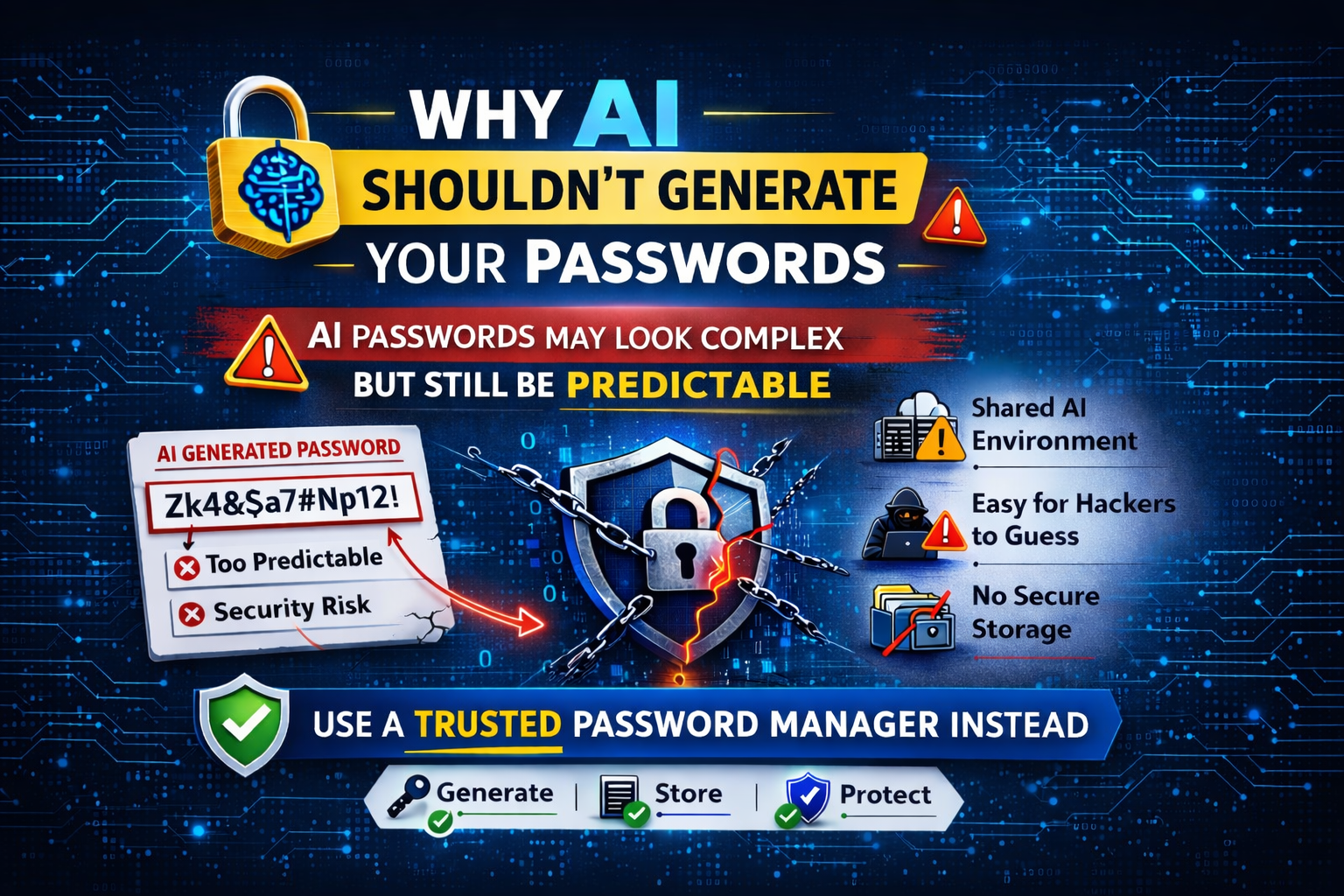
- Using a reputable password manager
- Removing accounts that are no longer needed
- Changing passwords after suspected compromise
- Avoiding passwords based on company names, pets, dates or common words
- Enabling MFA wherever possible
The aim is not to make life harder for staff. The aim is to make secure behaviour easier and more consistent.
8. Clear control over Microsoft 365 and cloud accounts
For many small businesses, Microsoft 365 is now central to daily work. It may hold emails, calendars, Teams chats, OneDrive files, SharePoint documents and business contacts.
That makes Microsoft 365 security settings extremely important.
Small businesses should review:
- Which users have access
- Whether MFA is enabled
- Who has administrator permissions
- Whether old accounts have been removed
- Whether shared mailboxes are still required
- Whether users can forward emails externally
- Whether sign-in activity is monitored
- Whether recovery details are up to date
- Whether the provider’s built-in security settings are configured correctly
A compromised Microsoft 365 account can be used to send scam emails, access sensitive data, set up forwarding rules, impersonate staff or target customers and suppliers.
Cloud accounts need active management. They should not be set up once and then forgotten.
This does not mean every small business needs a separate email security product. However, it does mean the security controls already available within platforms such as Microsoft 365 or Google Workspace should be reviewed, configured correctly and monitored where appropriate.
9. Staff awareness and simple internal processes
Cyber security is not only about software. People and processes matter too.
Small businesses do not need long, complicated policy documents that nobody reads. They need simple, clear rules that staff can actually follow.
Useful internal rules include:
- Check before opening unexpected attachments
- Verify payment detail changes by phone
- Do not approve unexpected MFA prompts
- Report suspicious emails quickly
- Do not reuse business passwords
- Lock devices when away from the desk
- Avoid using personal accounts for business files
- Ask for help before clicking if unsure
The aim is not to blame staff. Most cyber attacks are designed to catch people out when they are busy or under pressure. Clear guidance helps people make better decisions.
10. A plan for when something goes wrong
No cyber security setup can guarantee that nothing will ever happen.
That is why every small business should have a basic incident plan. This does not need to be complicated, but it should answer some important questions.
For example:
- Who should staff contact if they suspect a problem?
- What should happen if an email account is compromised?
- How would the business recover important files?
- Who can access admin accounts?
- Which systems are most critical?
- Who needs to be informed if customer data may be affected?
- How quickly does the business need to be operational again?
Having a plan before something happens saves time, reduces panic and helps avoid poor decisions during an incident.
What small businesses do not need
Not every business needs the most expensive or complex cyber security tools available.
Many small businesses do not need enterprise-level systems, large security teams or complicated dashboards. What they do need is practical protection that matches the way they actually work.
The right setup should be proportionate, affordable and manageable.
For most small businesses, the priority should be:
- Protecting devices
- Securing accounts
- Reducing phishing risk
- Keeping systems updated
- Monitoring for problems
- Backing up important data
- Having someone to call when help is needed
Cyber security should support the business, not slow it down.
Why cyber security and IT support work best together
Cyber security and IT support are closely linked.
A business cannot be properly protected if devices are not maintained, updates are ignored, accounts are unmanaged, and users have nowhere to turn when something looks suspicious.
Good IT support helps keep systems running. Good cyber security helps protect those systems from threats. Together, they reduce downtime, improve resilience and give business owners more confidence.
For small businesses, this joined-up approach is often far more useful than buying separate tools without anyone actively managing them.
Final thoughts
Small business cyber security in 2026 does not need to be confusing, but it does need to be taken seriously.
The most effective approach is to focus on the essentials: secure accounts, protected devices, regular updates, reliable backups, phishing awareness, monitoring and practical support.
Cyber criminals are looking for easy opportunities. By putting the right protections in place, your business becomes much harder to target and better prepared if something does go wrong.
If you are unsure whether your current setup is giving your business enough protection, CED Technology can help.
We provide practical cyber security services for small businesses, including device protection, monitoring, software updates, patching, ransomware prevention and support when you need it. We can also help review and manage the security settings available within your existing email and cloud platforms, helping reduce risk without adding unnecessary complexity.
Our cyber security products are designed to help protect your devices and systems, including when a malicious or harmful link has already been clicked.
Visit our
Cyber Security page to see how we can help protect your business
Share this post
RECENT POSTS